
Free AI Photo Tools for Cartoon Effects and Background Removal
Some sites just slap filters on your selfies. AILab Tools actually turns your boring snap into a Pixar character or wipes out that ex in the background in seconds. This freemium AI image editor packs portrait cartoonizers, hairstyle changers, object erasers and 50+ APIs for devs who want to plug it straight into their apps. No install, no bullshit. Just upload and watch the magic.
What Is AILab Tools?
AILab Tools runs a Hong Kong-based platform focused on AI-powered image processing. It targets casual users, marketers, developers and beauty fans who need fast photo tweaks. The site offers web tools plus custom development services for apps and sites. 1M+ registered users and 50M+ API calls show real traction.
Content and Features
Categories split into AI Portrait and AI Image. Tools include cartoon yourself with 20+ styles like Pixar, anime, ukiyo-e and chibi. Change facial expressions, hairstyle changer, face slimming, background removers for product/food/human shots, image upscaler, object erasure, photo colorizer and lips changer. API access covers 50+ endpoints with 99% uptime. Free daily credits exist but paid unlocks unlimited use. Blog covers tutorials like enlarging images without quality loss.
Design and User Experience
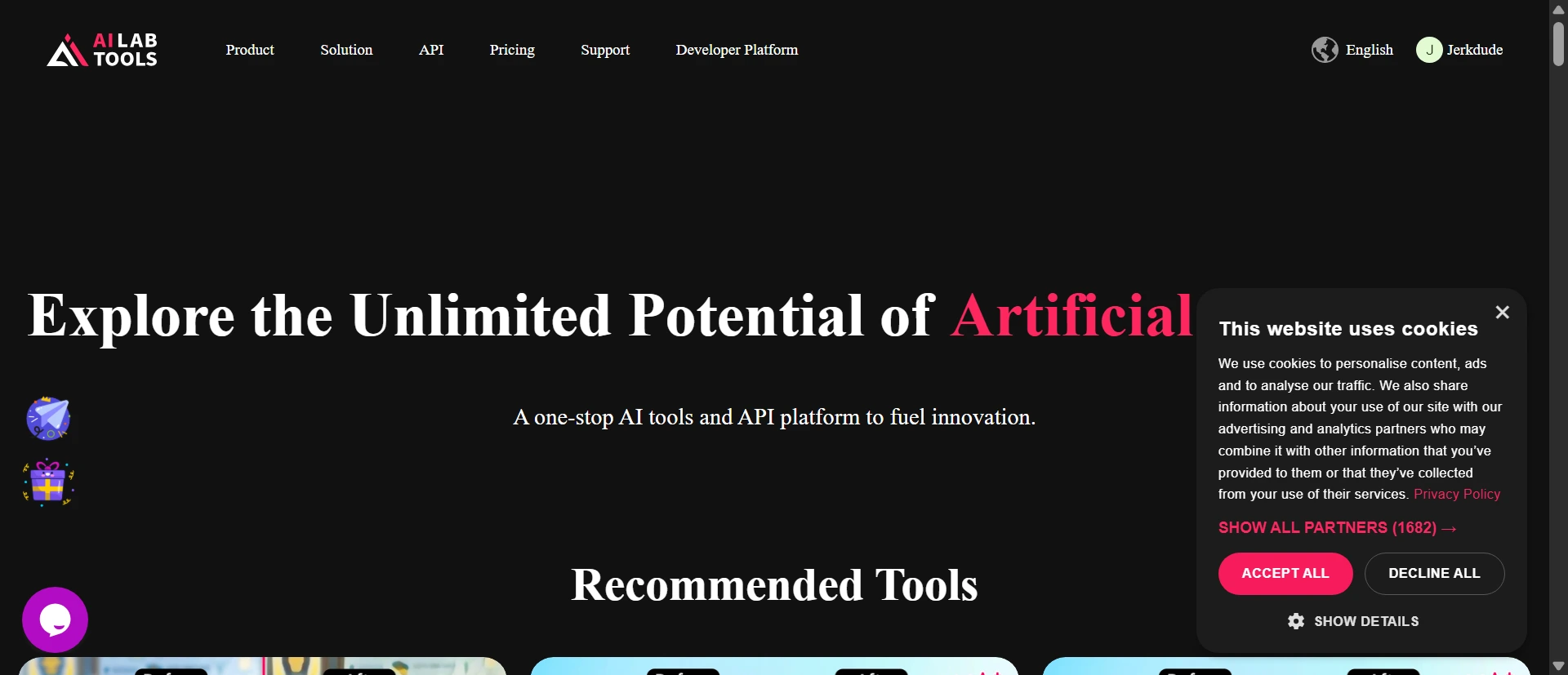
Homepage shows recommended tools grid with direct upload buttons. Clean navigation links to All Tools, API, Blog and custom services. Mobile loads fast with simple drag-and-drop. No heavy pop-ups on first visit. Processing happens in-browser with instant previews. Data deletes after 24 hours. Ticketing support for paid users feels responsive.
How It Compares
AILab Tools beats Picsart on specialized portrait cartoon styles and cheaper API access. It loses to Adobe Firefly on advanced layering control but crushes it on one-click background removal for e-commerce. Compared to Luminar Neo, this site wins for free web access and dev integration. Pixlr offers similar quick edits but lacks the 50+ portrait-specific APIs and custom development options.
Pros and Cons
Pros
- 20+ unique anime and comic styles not bundled together on most competitors
- 50+ stable APIs with automatic 24-hour data deletion
- One-click product and food background removal tailored for sellers
- Full custom app development service for non-coders
- Multiple hairstyle and expression editors focused purely on faces
Cons
- Free daily limits force quick upgrades for heavy users
- No batch processing for multiple images at once
- Some advanced styles need paid credits immediately
Frequently Asked Questions
How many cartoon styles does AILab Tools actually offer?
Over 20 options span Japanese anime, Pixar, chibi, ukiyo-e, retro comics and 3D game looks. Most process in seconds with face-focused or full-image modes.
Does AILab Tools delete my uploaded photos?
Yes. All files auto-delete within 24 hours after processing. The system only uses them to generate results.
How does AILab Tools compare to Picsart for portrait editing?
AILab Tools delivers deeper face-specific tools like expression swaps and hairstyle trials plus stronger APIs. Picsart feels better for general creative collages and stickers.