
Telegram AI Photo and Video Editor Bot
Some random Telegram bot promises to edit your photos and animate them into videos using AI. It actually delivers quick results without leaving the app.
What Is PhotoVideoAI?
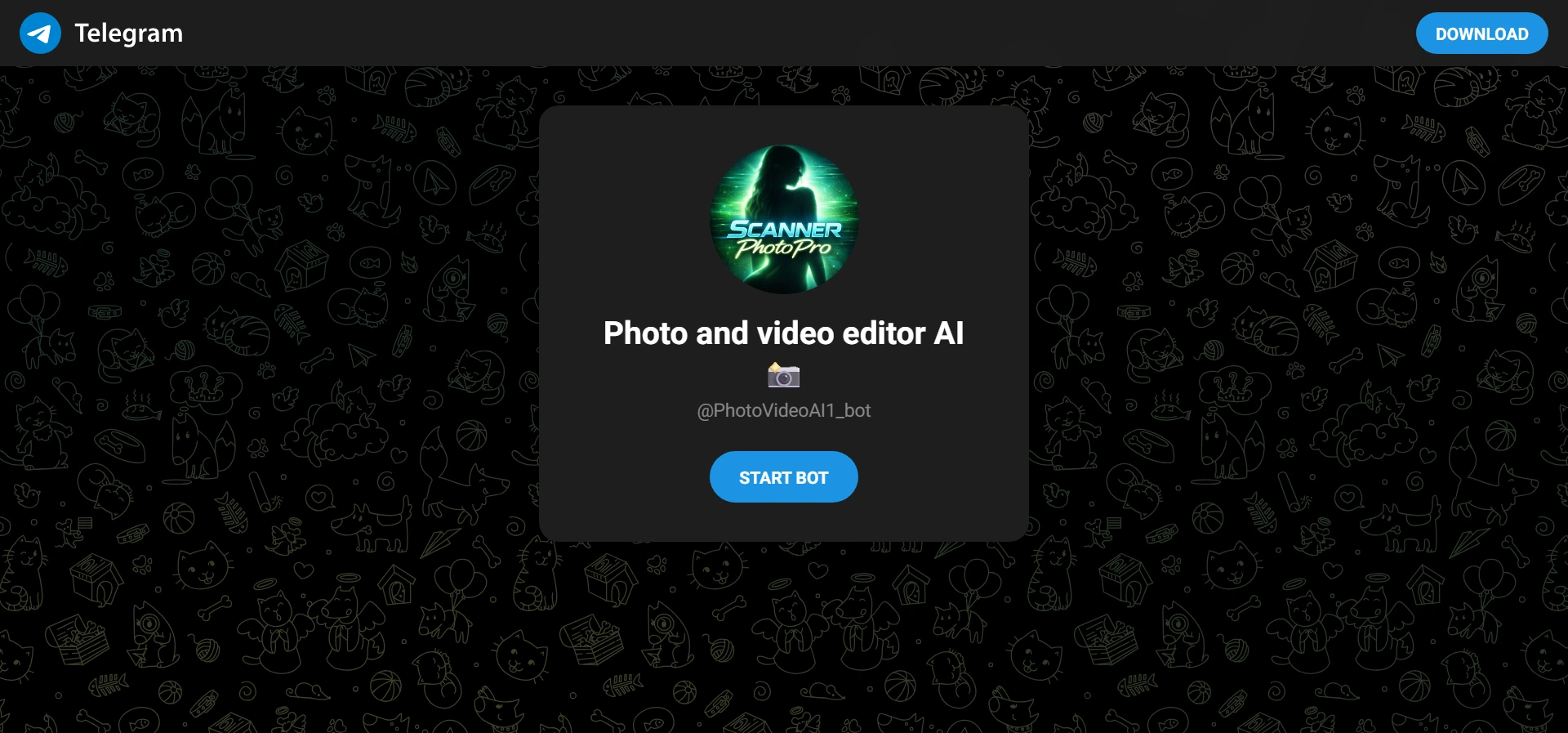
PhotoVideoAI runs as a Telegram bot called @PhotoVideoAI1_bot. It targets casual users who want fast AI photo tweaks and video generation from images. The tool sits in the crowded Telegram AI utility space.
Content and Features
Users upload photos for editing or animation. It handles image enhancements, style transfers, and turns stills into short video clips. Features include prompt-based changes and basic video generation. No massive library of pre-made content exists here. Updates seem tied to underlying AI models. Expect typical Telegram bot interactions with command or button menus.
Design and User Experience
Standard Telegram chat interface. You message the bot, upload media, and type prompts. Navigation stays inside one chat window. Mobile works perfectly since it's native Telegram. No fancy homepage or sections beyond the bot profile. Occasional wait times during peak processing.
How It Compares
PhotoVideoAI moves faster than heavier web tools like Photo AI for quick Telegram edits but lacks the training depth of dedicated sites like PhotoAI.com. It beats basic bots for video output yet trails advanced ones such as Photify AI or Uniset AI in model variety and quality consistency. Simpler than full desktop editors but more convenient for on-the-go use.
Pros and Cons
Pros
- Stays entirely inside Telegram with zero extra apps needed
- Quick image-to-video animation from single uploads
- Simple prompt system for targeted photo edits
- Free entry point with basic usage available immediately
- Handles both photo enhancement and motion generation
Cons
- Limited advanced controls compared to dedicated AI platforms
- Processing queues slow down during busy hours
- Output quality varies heavily based on input photo clarity
Frequently Asked Questions
How does PhotoVideoAI handle image to video conversion?
Upload a clear photo then add a motion prompt. The bot processes it into a short animated clip using its AI models. Results arrive in the same chat.
What photo editing options does PhotoVideoAI offer?
Basic enhancements, style changes, background swaps, and object modifications via text prompts. Quality depends on the original image resolution and lighting.
How does PhotoVideoAI compare to Photify AI for video features?
PhotoVideoAI feels lighter and faster for simple tasks inside Telegram. Photify AI provides more models and higher consistency but requires more setup steps.