Brave Browser Blocks Ads Without Any Extension
No need to hunt for extensions. Brave comes with strong Shields that murder ads, trackers and fingerprinting right out of the box.
What Is Brave?
Privacy-focused browser based on Chromium. Built-in ad and tracker blocking called Shields. Rewards system with BAT crypto is optional.
Content and Features
Shields block ads, trackers, cookies and fingerprinting. Aggressive mode crushes most tube site bullshit. Built-in Tor tabs and playlist feature. Works on desktop and mobile.
Design and User Experience
Clean Chromium-like interface with easy Shields slider per site. Fast page loads thanks to blocking. Vertical tabs and sidebar options. Mobile version feels snappy.
How It Compares
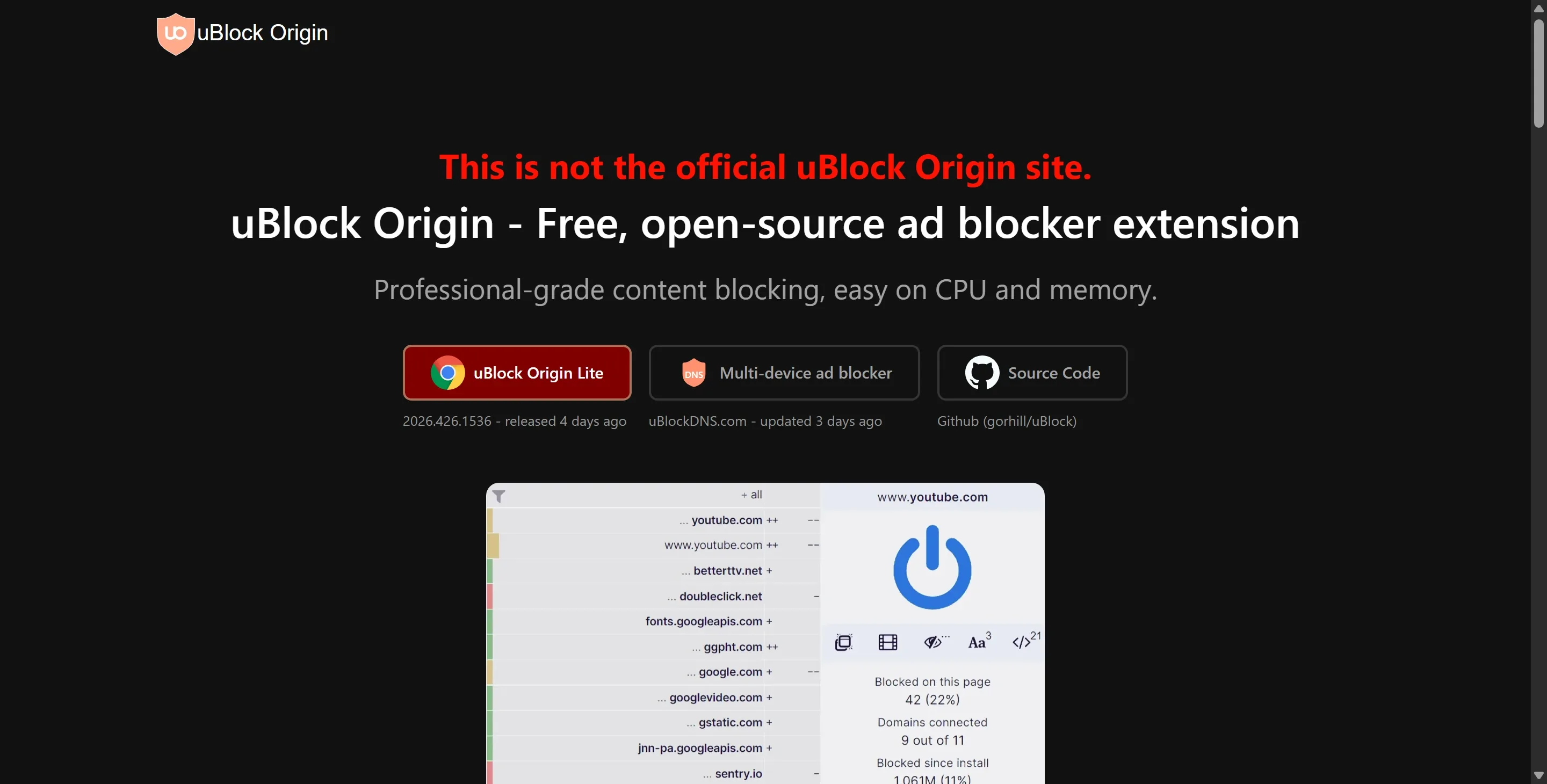
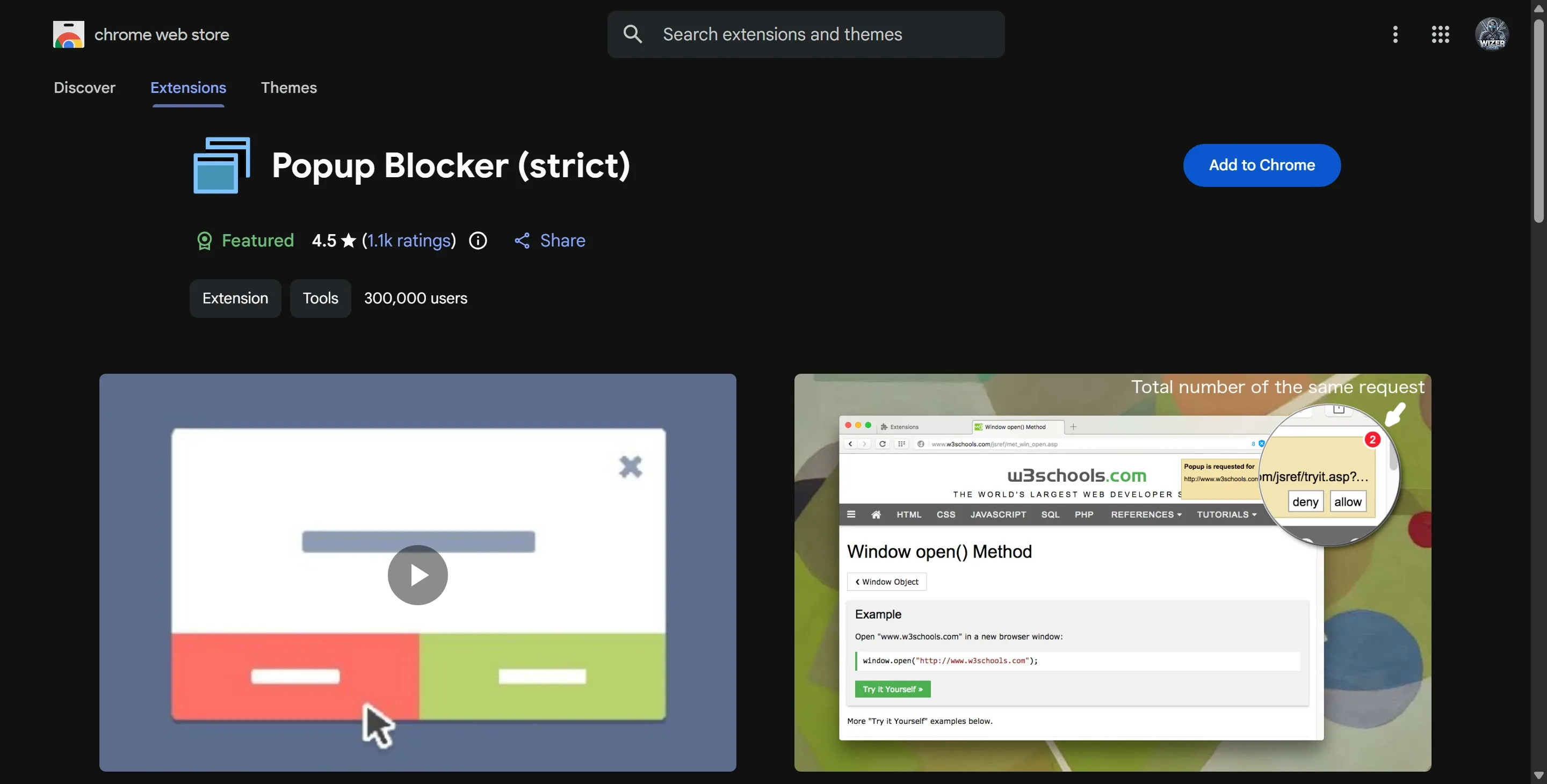
Beats Chrome + extension combo for simplicity. Weaker customization than uBlock Origin on Firefox. Stronger out-of-box privacy than Ghostery or Poper Blocker since no extension needed.
Pros and Cons
Pros
- Strong default blocking without installing anything extra
- Faster page loads because ads never load
- Works identically on desktop and mobile
- Optional Tor routing and fingerprinting protection
- No company pushing paid upgrades aggressively
Cons
- Less granular control than dedicated extensions
- Some sites break in Aggressive Shields mode
- Rewards system feels tacked on for most users
Frequently Asked Questions
Does Brave block ads on porn sites?
Yes very effectively on most major tubes when Shields are set to Aggressive.
Is Brave better than Chrome with uBlock Origin?
Simpler and more private by default. uBlock Origin on Firefox still wins for maximum power users.
How does Brave compare to dedicated blockers?
Great all-in-one solution but lacks the deep customization of uBlock Origin or Ghostery.