Vivaldi Browser Gives You Insane Customization
Built for power users who hate Chrome's restrictions. Stacks, web panels, strong built-in tracking protection and ad blocking.
What Is Vivaldi?
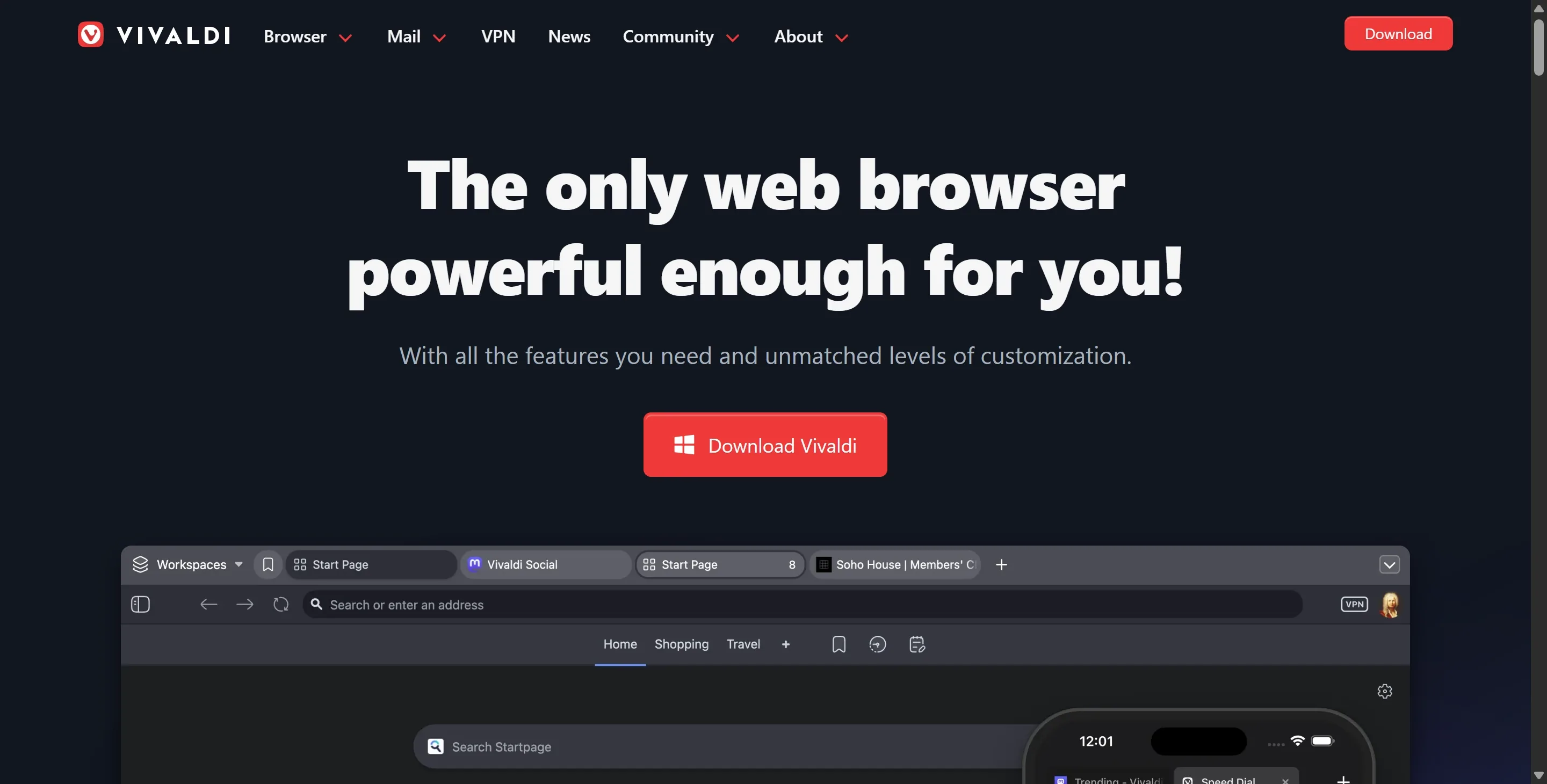
Chromium-based browser from former Opera developers. Focuses on extreme customization and privacy without forcing crypto bullshit.
Content and Features
Built-in tracker and ad blocker with easy toggles. Tab stacking, web panels, command chains and mouse gestures. Notes, calendar and mail integration. Strong fingerprinting protection.
Design and User Experience
Highly customizable interface with sidebar, stacked tabs and color themes. Fast and stable. Mobile version exists but desktop is where it shines. No annoying default ads.
How It Compares
More customizable than Brave with better power user tools. Stronger built-in privacy than plain Chrome. Loses to dedicated extensions like uBlock Origin on maximum ad blocking power but wins for all-in-one convenience.
Pros and Cons
Pros
- Insane level of interface customization
- Excellent built-in tracker and ad blocking
- Tab stacking actually works great for porn tabs
- Strong privacy features without extra extensions
- Regular updates from a dedicated team
Cons
- Learning curve for all the power features
- Heavier on resources than minimal browsers
- Mobile version still lags behind desktop
Frequently Asked Questions
Does Vivaldi block ads on porn sites?
Yes its built-in blocker handles most ads and trackers well on tube sites.
Is Vivaldi better than Brave?
Better customization and tab management. Brave wins on simpler default privacy.
Do I still need uBlock Origin with Vivaldi?
Not necessary for most users but power users add it for extra blocking strength.