BuddyX OnlyFans Chrome Extension for Priority Messaging and Vault Tools
BuddyX injects priority messaging, vault labels, and team access straight into OnlyFans so creators and chatters close more PPV without tab switching or password sharing. Solo models lose hours hunting online fans and resending content. This extension puts fan lists, timers, and preloaded scripts one click away, turning inbox grind into faster sales. Five years chatting for cash taught me tools that save clicks actually pay rent. BuddyX does exactly that.
What Is BuddyX?
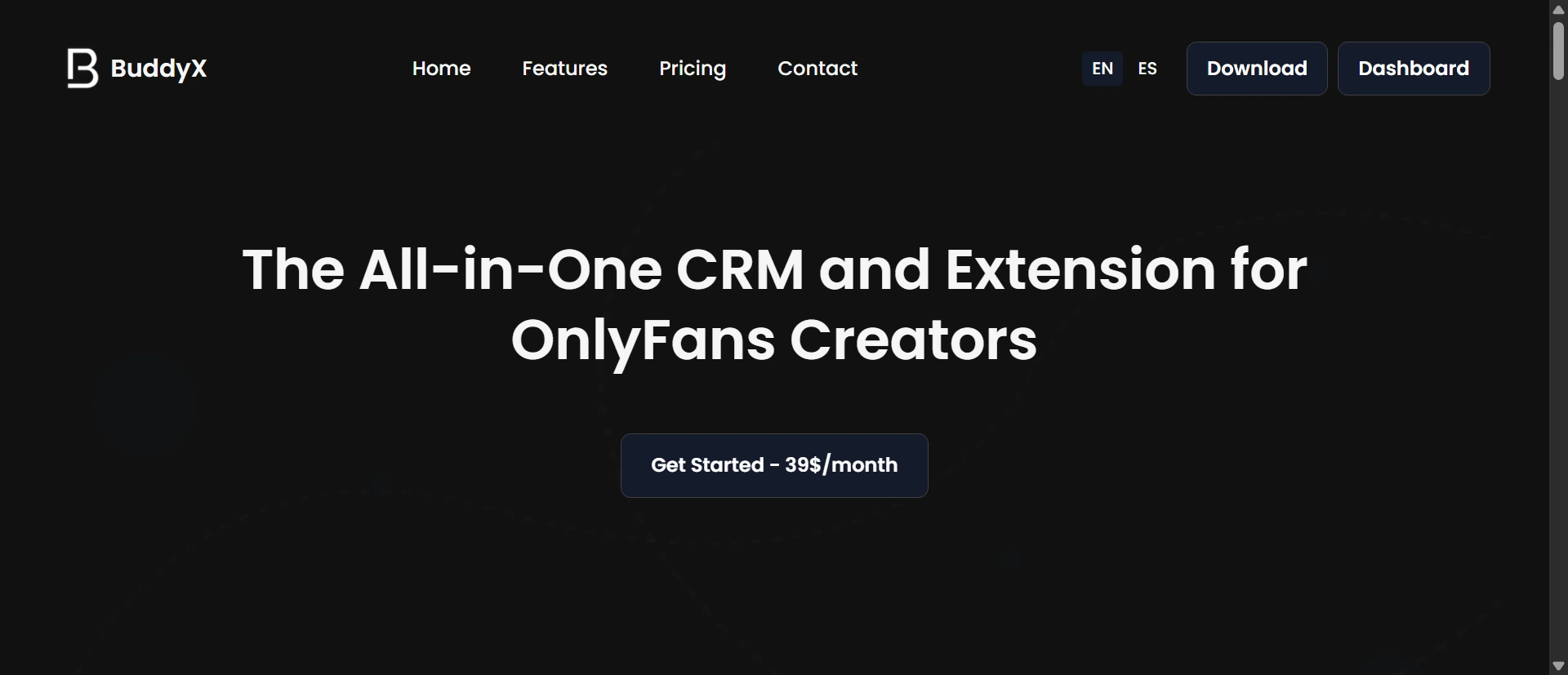
BuddyX is a Chrome extension plus optional desktop browser built for OnlyFans creators and agencies. It targets performers and teams who live in the inbox daily. Pro plan starts at $39/month for one creator account. Higher tiers cover multiple accounts with team features. Secure access sharing without passwords. Chrome Web Store install plus full browser option for heavy users.
Content and Features
One-click messages to online fans with name personalization. Priority welcome sequences with attached media and pricing. Vault labels and purchase marking so you see what sold. Custom emoji bar and chat timers per fan. Fan lists by spend, activity, or status. Expired fan follow tool triggers notifications. Real-time translation for replies. Team performance tracking and FTL link stats. Pre-saved PPV scripts ready to fire.
Design and User Experience
Sidebar panel inside OnlyFans shows priority tab, fan info, and quick-send buttons. Clean emoji bar and timer icons reduce clicks. Vault view adds labels without leaving the page. Mobile Chrome works but desktop shines for team use. Setup takes minutes after install. No heavy lag reported on standard accounts. Occasional extension updates needed to match OnlyFans changes.
How It Compares
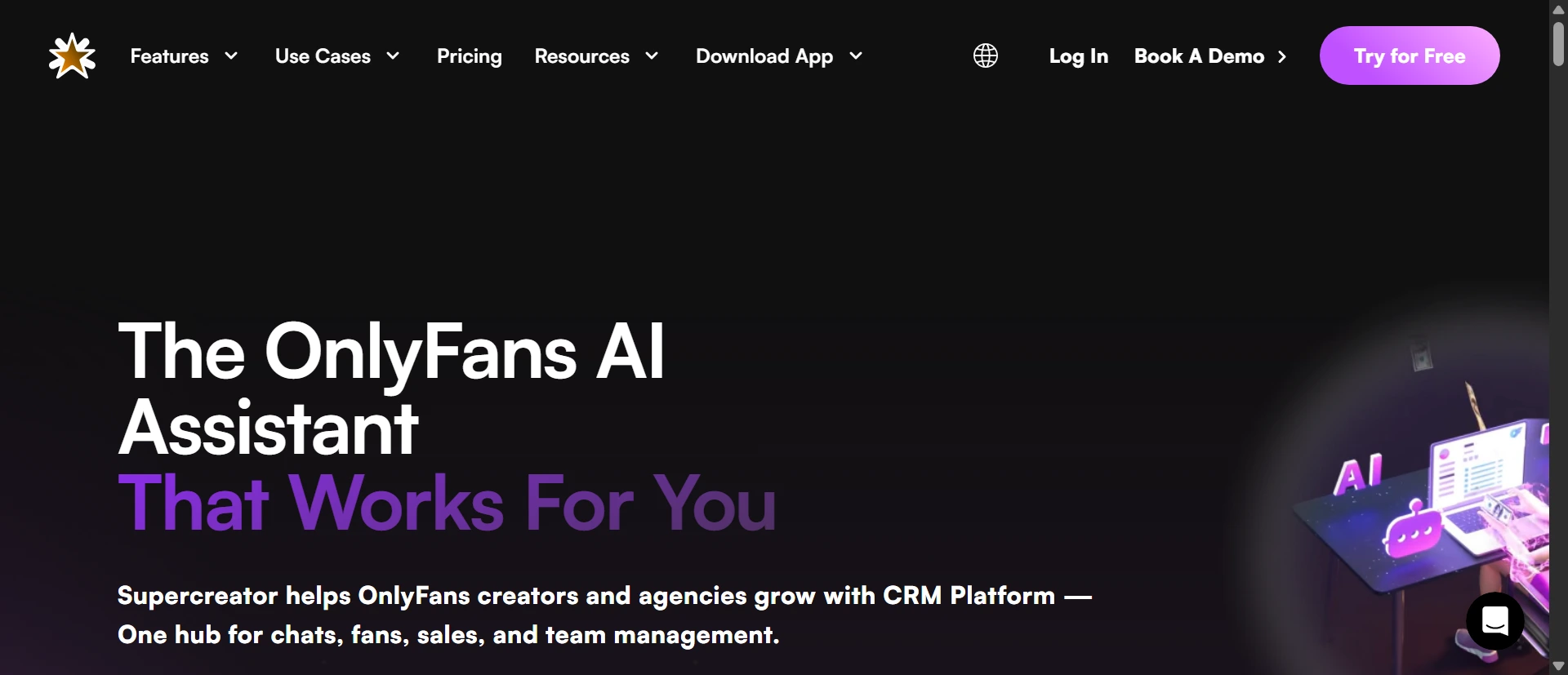
FansMetric offers deeper analytics and split inboxes but runs as separate app unlike BuddyX’s native Chrome feel. Supercreator adds stronger AI chatters yet costs more and feels heavier than BuddyX’s lightweight extension. CreatorHero provides similar team tools but BuddyX wins on vault marking and online fan messaging speed. BuddyX beats all three for quick daily inbox work but trails on advanced automation depth.
Pros and Cons
Pros
- One-click online fan messaging with name insert speeds up real-time replies inside OnlyFans
- Vault labels and purchase marking show exactly what content sold to each fan
- Secure team access sharing skips password risks while tracking chatter performance
- Expired fan follow tool plus priority sequences boosts renewals and PPV upsells
- Custom chat timers and emoji bar cut response time on high-volume pages
Cons
- OnlyFans platform changes can temporarily break extension features until patched
- Pricing scales up fast when managing multiple creator accounts
- Lacks deep AI auto-reply compared to full CRM competitors
Frequently Asked Questions
How does BuddyX help send messages to online OnlyFans fans?
One-click button pulls up personalized templates for whoever shows green online. Add names and media instantly. Saves scrolling and typing when volume spikes.
Can BuddyX teams share OnlyFans access safely?
Yes. Role-based sharing without passwords plus performance logs. Managers see who sent what and track results without login risks.
Is BuddyX better than FansMetric for solo creators?
BuddyX wins on native speed inside OnlyFans, vault tools, and lower entry price. FansMetric offers stronger analytics but feels slower for daily chatting.