
Descript AI Video Editor for OnlyFans Promo Clips and Voiceovers
Descript lets OnlyFans creators edit raw clips by fixing the transcript so you cut "ums," add captions, and generate safe voiceovers without showing skin on promo videos. Creators waste hours scrubbing filler words and syncing text in CapCut. This tool turns long recordings into polished teasers and podcast-style content fast while keeping your real voice or cloning it safely. Five years driving sales taught me text-based editing saves the most time when you shoot daily. Descript actually delivers.
What Is Descript?
Descript built an AI-powered transcription editor that treats video like a Google Doc. It targets creators who record screen shares, talking head promos, and audio clips for Fansly or OnlyFans. Free tier gives limited minutes while Creator and Pro plans unlock unlimited exports, AI tools, and team features. Desktop app for Mac and Windows plus cloud collaboration. Focuses on speed over Hollywood timelines.
Content and Features
Text-based editing removes filler words automatically and cuts video by deleting text. Studio Sound cleans noisy bedroom recordings. Eye Contact fixes gaze for direct-to-camera promos. AI avatars and voice cloning create SFW voiceovers without recording your face. Auto captions with branding, green screen removal, and B-roll generation. Overdub regenerates audio for script tweaks. Translate videos for international fans. Clip finder pulls viral moments from long sessions.
Design and User Experience
Transcript view dominates the screen with timeline below for fine cuts. Sidebar holds AI tools like filler removal and eye fix. Drag-drop media imports fast. Cloud projects let assistants edit the same file. Mobile access limited but desktop feels snappy for most edits. Occasional lag on huge files exists. Clean interface with clear export options to TikTok and Instagram sizes.
How It Compares
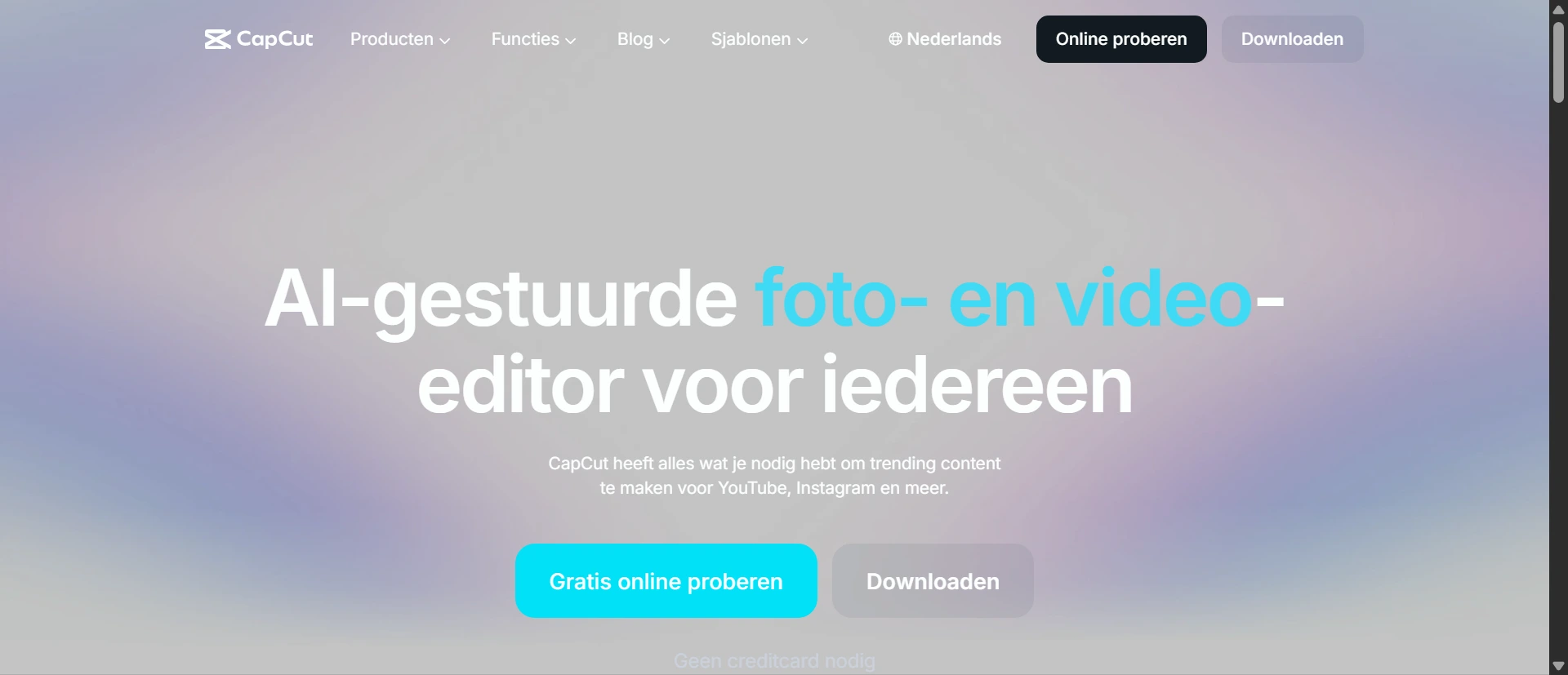
CapCut offers faster templates and background removal but lacks Descript’s text-based precision and voice cloning for safe audio promos. Riverside records higher quality yet needs separate editing tools unlike Descript’s all-in-one workflow. VEED delivers similar captions and AI but weaker transcription accuracy and no Overdub voice fix. Descript wins for creators who talk a lot on camera but trails pure visual editors on motion effects and speed for short vertical clips.
Pros and Cons
Pros
- Text-based editing cuts filler words and awkward pauses by simply deleting from the transcript
- Studio Sound and voice cloning create clean SFW voiceovers without re-recording in risky setups
- Eye Contact AI makes off-camera talking heads look direct for stronger promo engagement
- Auto captions and translate features expand reach to non-English fans quickly
- Overdub regenerates exact voice fixes after script changes without reshooting
Cons
- Media minute limits on lower plans add up fast for creators shooting daily raw footage
- Performance lags on longer high-res clips slow down heavy editing sessions
- AI voice cloning still needs manual tweaks for perfect emotional tone in sales scripts
Frequently Asked Questions
How does Descript remove filler words from OnlyFans promo videos?
AI detects ums, likes, and pauses in the transcript. One click removes them and the video updates instantly. Saves hours cleaning raw talking clips before posting teasers.
Can Descript create safe voiceovers for adult creators?
Yes. Overdub clones your voice or uses AI avatars so you avoid showing skin or recording new audio. Perfect for SFW promos that push PPV without moderation flags.
Is Descript better than CapCut for OnlyFans creators?
Descript wins on text editing, voice cloning, and audio cleanup for talking promos. CapCut beats it on templates, effects, and speed for quick visual teasers.